The fastest way to fix a phone that keeps dropping Wi-Fi is to work out whether the phone or the router is at fault, then try the fixes in order from least to most disruptive. Resetting network settings comes last because it also deletes your saved networks and paired Bluetooth devices.
Cooper is the Androidlounge editorial pen name. The reset step follows Google’s Pixel help page, and some other steps follow a troubleshooting guide published by Guiding Tech (both linked below); the rest are common general practice. Nothing here comes from hands-on testing, and menu names differ between Pixel, Samsung, Motorola and other brands.
First, rule out the router
Before changing anything, check whether other devices lose Wi-Fi at the same moments. If a laptop or second phone drops too, the router or your internet connection is the likely cause. If only one phone drops, the phone’s settings or an app is more likely. Also note where it happens: only in one room points to signal strength, while everywhere points to the phone.
The nine fixes
- Fix 1: Toggle Wi-Fi, then restart the phone. Turn Wi-Fi off and on, then restart. It sounds basic, but it clears many temporary glitches.
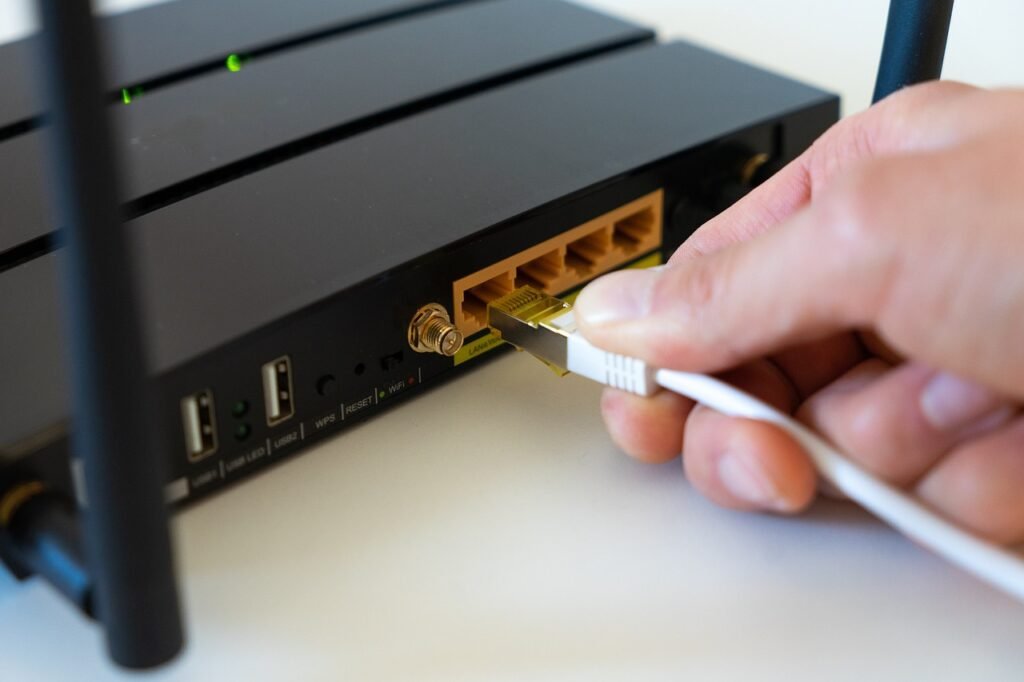
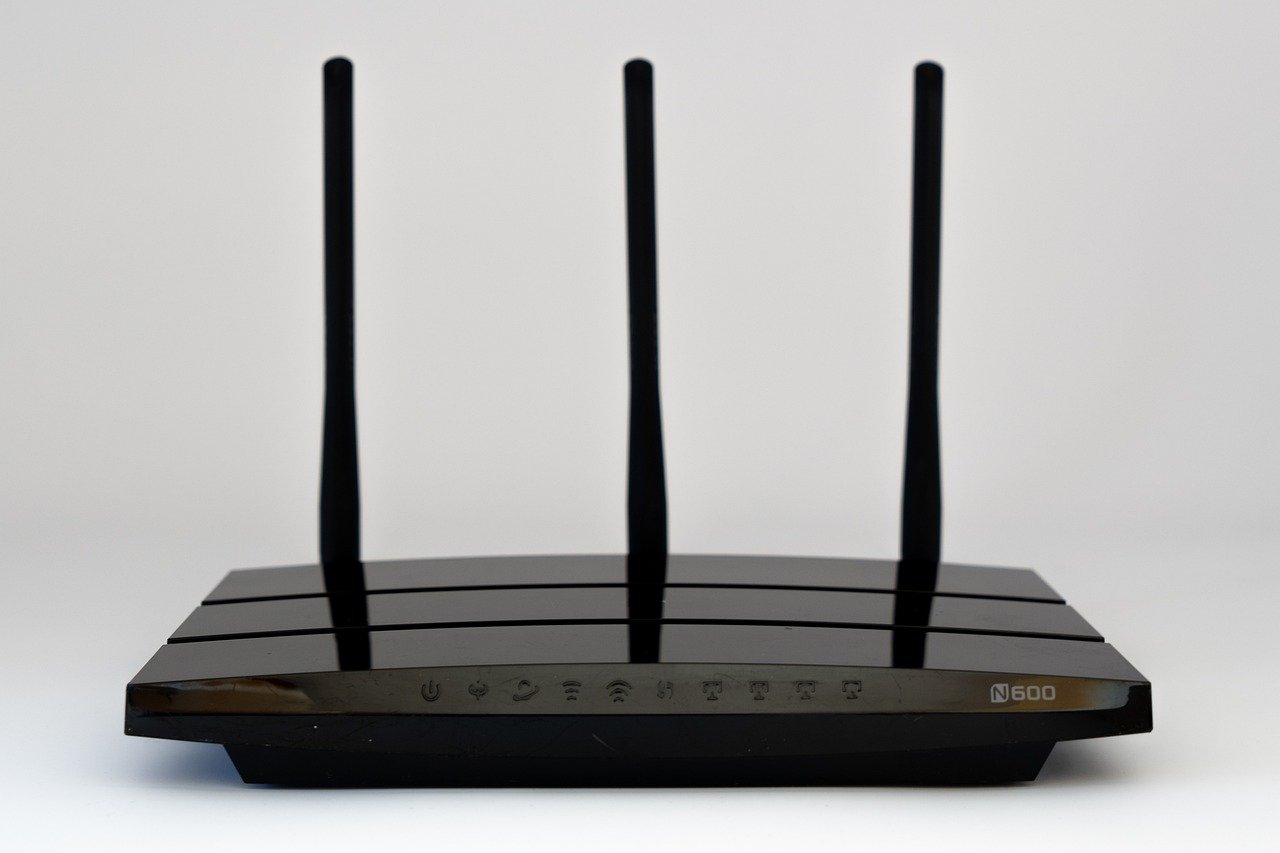
- Fix 2: Restart the router. Unplug it for about 30 seconds, plug it back in and wait a few minutes for it to come back fully.
- Fix 3: Move closer and check the band. Wi-Fi gets weaker with distance and walls. As general guidance, the 5 GHz band is faster but reaches less far than 2.4 GHz, so a phone at the edge of range may hold a connection better on 2.4 GHz if your router lets you choose.
- Fix 4: Turn off anything that interferes. Guiding Tech lists VPN apps, Wi-Fi-prioritising apps and antivirus apps as common culprits. Switch them off one at a time to test. Our guide to free vs paid VPNs on Android explains how VPNs behave.
- Fix 5: Forget the network and reconnect. Go to Settings, then Network and internet, then Internet, tap the gear icon next to your network and choose Forget. Reconnect and re-enter the password. Make sure you know the password first.
- Fix 6: Check the router’s settings. Look for anything that could limit your phone, such as a device filter or access list. How to do this depends on the router, so check its manual or app.
- Fix 7: Update the router’s firmware. If the router is the likely cause, follow the manufacturer’s instructions for updating it, usually in its app or admin page.
- Fix 8: Reset network settings. On recent Pixels, Google’s help page gives the path as Settings, then System, then Reset options, then Reset Bluetooth & Wi-Fi. Older Android versions and other brands call it Reset Wi-Fi, mobile and Bluetooth, or Reset network settings. It removes saved Wi-Fi networks and passwords and your paired Bluetooth devices, so only do it after the earlier fixes.
- Fix 9: Check for an Android and app update. A recent update may have caused the problem or may contain the fix. If the drops began right after a system update, see our Android 17 battery drain and slowdowns guide.
What the pattern tells you
| Pattern | Likely cause | Where to look |
|---|---|---|
| All devices drop at once | Router or internet provider | Fixes 2, 6 and 7 |
| Only one room is weak | Signal strength | Fix 3 and the Nexgadgets guide below |
| Only this phone drops, everywhere | Phone settings or an app | Fixes 4, 5 and 8 |
| Drops started after an update | Software issue | Fix 9 |
If the problem is a weak signal in one part of the house, our sister site Nexgadgets explains what actually fixes weak Wi-Fi in one room, and whether a Wi-Fi 7 router upgrade changes anything at home. Wi-Fi trouble can also look like a battery problem, so if your phone is also draining fast, read how to find the app causing battery drain.
FAQ
Why does my Android connect to Wi-Fi but have no internet?
The router may have lost its connection to your provider. Check whether other devices can get online. If they cannot, restart the router and contact your provider if it persists.
Will resetting network settings delete my photos or apps?
No. It removes saved Wi-Fi networks and passwords, mobile network settings and Bluetooth pairings, but not your photos, apps or files.
Should I leave Wi-Fi on all the time?
For most people, yes. If your phone keeps switching between Wi-Fi and mobile data in a weak-signal area, moving closer to the router or fixing the signal is better than toggling it.
When is it time to replace the router?
If other devices drop too, the router is already old, and restarts and firmware updates do not help, replacement is worth considering. Ask your internet provider first, as some supply routers.
Sources
- Pixel Phone Help: Fix mobile connectivity issues (Reset Bluetooth & Wi-Fi)
- Guiding Tech: Fix Android Wi-Fi that keeps disconnecting and reconnecting
Last reviewed: November 9, 2026
