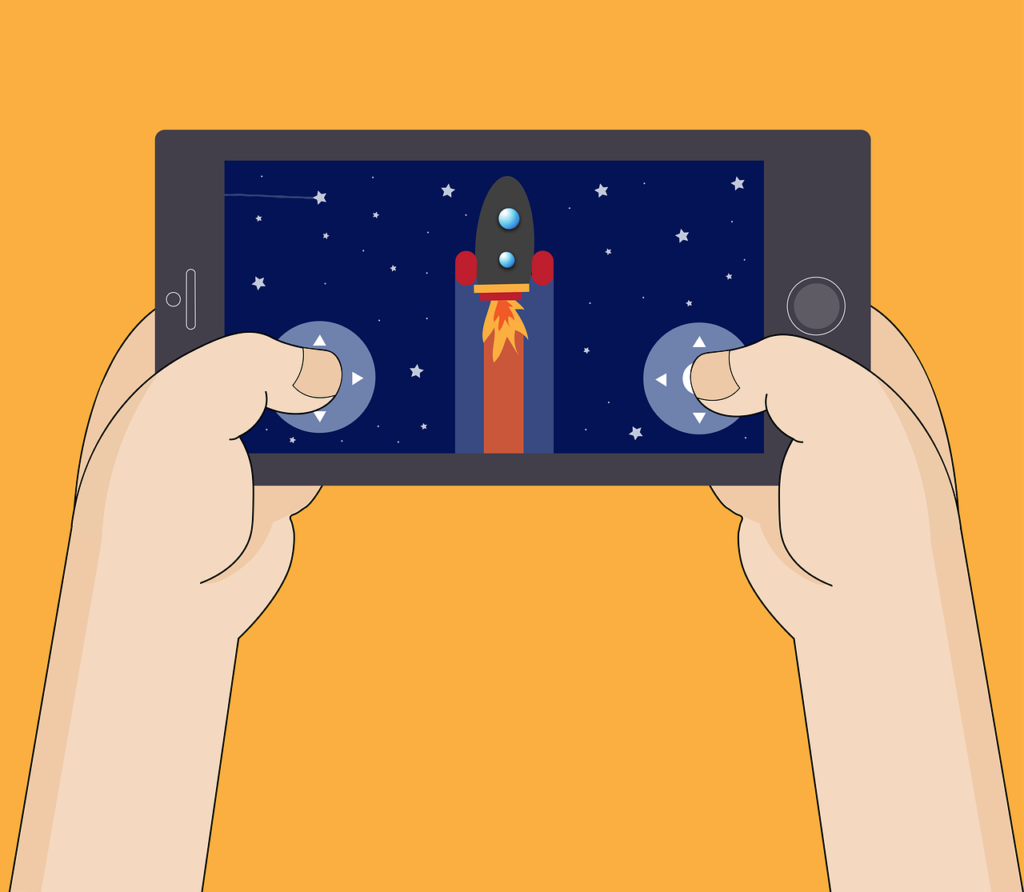
For most Android phone gamers, a USB-C controller that clamps around the phone is the best pick. The Razer Kishi Ultra, Backbone One and GameSir G8 Galileo are the main options. If you play on a tablet or TV, or already own a console, an Xbox controller or PlayStation DualSense over Bluetooth is the cheaper choice.
Cooper is the Androidlounge editorial pen name. Specs and compatibility details come from each maker’s official product or support page, and the setup steps come from Google’s Android Help (all linked below). We have not tested these controllers, so this guide compares published specs, not feel or latency. There are no affiliate links in this post.
Two types of Android controller
Before you compare models, decide which type you want, because that choice matters more than the brand.
Phone-clamp controllers stretch around your phone so it sits in the middle, like a handheld console. Most plug straight into the USB-C port, which means no pairing, no charging the controller and very little lag. The downside is that they only suit phones, and sometimes small tablets, within a set size range, and thick cases can get in the way.
Standalone Bluetooth controllers are normal console-style pads. You pair them to the phone and prop the phone up with a stand or clip, which makes them a better fit for tablets, TVs and cloud gaming on a bigger screen. Many people already own one from an Xbox or PlayStation.
Quick comparison
This table sticks to what each maker publishes. Prices change often in Australia, so check a local retailer on the day you buy.
| Controller | Type | Connection | Android version | Stand-out specs |
|---|---|---|---|---|
| Razer Kishi Ultra | Clamp | USB-C | Android 12+ for full features | Fits tablets up to 8 inches, Sensa HD haptics, 15 W pass-through charging, 3.5 mm audio |
| Backbone One (USB-C) | Clamp | USB-C, wired only | Android 11+ | Pass-through charging, PlayStation Edition works with PS Remote Play |
| GameSir G8 Galileo | Clamp | USB-C | Android | Hall effect sticks and triggers, fits phones 110 to 185 mm, two back buttons, 3.5 mm jack |
| Xbox Wireless Controller | Standalone | Bluetooth | Android | AA batteries rated up to 40 hours, Share button |
| PlayStation DualSense | Standalone | Bluetooth | Android 12+ | Adaptive triggers and haptics don’t work on Android |
Wired or Bluetooth: what changes in practice
A wired USB-C controller talks to the phone through the charging port, so there is no wireless link that can drop out or add delay. That is why clamp controllers are popular for fast games like shooters and racers, where a small delay between pressing a button and seeing the result is noticeable. It also means the controller doesn’t need its own battery, because it takes a small amount of power from the phone instead.
Bluetooth controllers give you more freedom about where the screen goes, which matters when you stream games to a tablet or cast them to a TV. The trade-off is that you have one more device to keep charged, or a set of AA batteries in the case of the Xbox pad, and that the phone needs a stand when you play on its own screen. If you mostly use cloud gaming or PS Remote Play at home on the couch, that trade-off is usually worth it.
Whichever type you choose, keep the controller’s firmware up to date through the maker’s app, because fixes for connection and compatibility problems often arrive that way.
Razer Kishi Ultra: the big one
The Kishi Ultra is Razer’s largest mobile controller, and Razer says it fits Android tablets up to 8 inches as well as phones, which most clamp controllers can’t do. It connects by USB-C and, according to Razer, works with most phone cases.
The spec list is long: it has Sensa HD haptics on Android 12 and later, 15 W pass-through charging so you can charge while you play, and a 3.5 mm audio jack. The Razer Nexus app is free and doesn’t need a subscription, which isn’t true of every controller app. Razer launched it in April 2024 at a US price of US$149.99, so it sits at the top of the price range.
Pick it if: you want one controller for a phone and a small tablet, and you care about full-size grips. Skip it if: you want something light for a bag, because it’s the bulkiest option here.
If you game on a small tablet, our guide to the best small Android tablets lists 8-inch models that should fit.
Backbone One: the simple one
The Backbone One USB-C is a wired clamp controller with no Bluetooth and no battery to charge. Backbone says it works with Android 11 and later and most USB-C phones, but it doesn’t confirm support for foldables, and very thick cases may not fit.
It has pass-through charging, and Backbone also sells a PlayStation Edition, which is the only Backbone One that PS Remote Play supports on Android, so buy that version if you want to stream your PS5 to your phone. Backbone’s newer Backbone Pro connects by Bluetooth and adds Hall effect triggers, if you want one controller for more than just your phone.
Pick it if: you want a slim, simple controller and you play PS Remote Play. Skip it if: you have a foldable or a big rugged case.
GameSir G8 Galileo: the spec sheet pick
The GameSir G8 Galileo plugs in by USB-C and stretches to fit phones from 110 to 185 mm long. GameSir says it uses Hall effect sensors for both the sticks and the triggers. Hall effect parts use magnets instead of physical contacts, which is meant to reduce stick drift over time.
It also has pass-through charging, a 3.5 mm headphone jack and two extra buttons on the back that you can map in the GameSir app. GameSir lists the weight at 252 g.
Pick it if: you play long sessions and worry about stick drift. Skip it if: you need it to fit a tablet.
Xbox Wireless Controller: the one you may already own
Microsoft’s Xbox Wireless Controller pairs to Android phones and tablets over Bluetooth and runs on AA batteries, which Microsoft rates at up to 40 hours, and it has a Share button. Because it’s a full-size pad, you’ll need a phone clip or a stand.
It’s a good match for cloud gaming on a tablet or TV, and it works with most Android games that support controllers. Microsoft’s own video shows how many screens it can connect to.
PlayStation DualSense: works, with limits
The PS5 DualSense pairs with Android 12 and later. PlayStation’s own support page says to hold the Create button and the PS button together until the light bar blinks, then pick the controller in your phone’s Bluetooth settings.
There’s a catch, though: on Android, the adaptive triggers, haptic feedback, built-in mic and speaker, and headset jack aren’t supported. You get a good pad with normal buttons and sticks, but not the features that make the DualSense special on a PS5.
How to connect a Bluetooth controller to Android
Google’s Android Help page covers the basic steps. Menu names can differ a little on Samsung and other brands.
- Put the controller in pairing mode. On an Xbox controller, hold the pair button until the Xbox button flashes. On a DualSense, hold Create and PS until the light bar blinks.
- On your phone, open Settings > Connected devices > Pair new device.
- Tap the controller’s name when it appears.
- Open a game that supports controllers and test the buttons.
Google’s page also explains how to swap buttons or joysticks in the controller settings. Android 17 adds built-in controller remapping, so on an updated phone you can change button layouts without a third-party app.
If pairing fails, work through our Bluetooth not connecting fixes. Most problems come down to the controller still being paired to a console nearby.
Which games actually support controllers?
A controller only helps if the game supports it. Many big Android games do, but some only offer touch controls, and support can change from one update to the next, so it’s worth checking before you buy a controller for one particular game. Racing games are a good place to start. Our list of Android racing games with controller support checks which ones work. For bigger screens, see our guide to tablet gaming screens and controllers.
What to check before you buy
- Phone size. Measure your phone with its case on, then compare that with the size range the maker lists.
- Case fit. Rugged or wallet cases often won’t fit clamp controllers. You may need to take the case off.
- Port position. Clamp controllers plug into the USB-C port. Most phones have it in the middle of the bottom edge, which is what these designs expect, but a few models put it off to one side.
- Foldables. Makers rarely confirm foldable support. Check the maker’s compatibility page before buying.
- Where you play. If you mostly play at home on a tablet or TV, a Bluetooth pad makes more sense.
The bottom line
For phone gaming on the go, the clamp style is easier to live with. The GameSir G8 Galileo has the strongest spec sheet, the Backbone One is the simplest, and the Razer Kishi Ultra is the one to get if you want it to fit a small tablet too. If you already own an Xbox or PlayStation pad, try that first, since it costs nothing extra and works well for tablet and cloud gaming.
FAQ
Do Android controllers need an app?
No. Most work as soon as they’re plugged in or paired. The maker’s app is used for extras like button mapping and firmware updates.
Can I use a PS5 controller with PS Remote Play on Android?
Yes. The DualSense pairs with Android 12 and later. Adaptive triggers and haptics won’t work on Android.
Will a clamp controller fit a foldable?
Usually not confirmed. Backbone, for example, doesn’t confirm foldable support. Check the maker’s compatibility list before you buy.
Do wired USB-C controllers drain the battery?
They draw a little power from the phone. Models with pass-through charging, like the Kishi Ultra, Backbone One and G8 Galileo, let you charge while you play.
Can I remap buttons on Android?
Yes. Google’s Android Help explains how to swap buttons and joysticks, and Android 17 adds built-in remapping.
Sources
- Razer Australia: Kishi Ultra
- Backbone: Mobile game controllers for iPhone and Android
- GameSir: G8 Galileo mobile controller
- Xbox Australia: Xbox Wireless Controller
- PlayStation Australia: How to use DualSense wireless controllers with PC, Mac and mobile devices
- Android Help: Set up your game controller settings on Android
- Google: Android 17 has new features for productivity, gaming and security
Last reviewed: November 10, 2026
