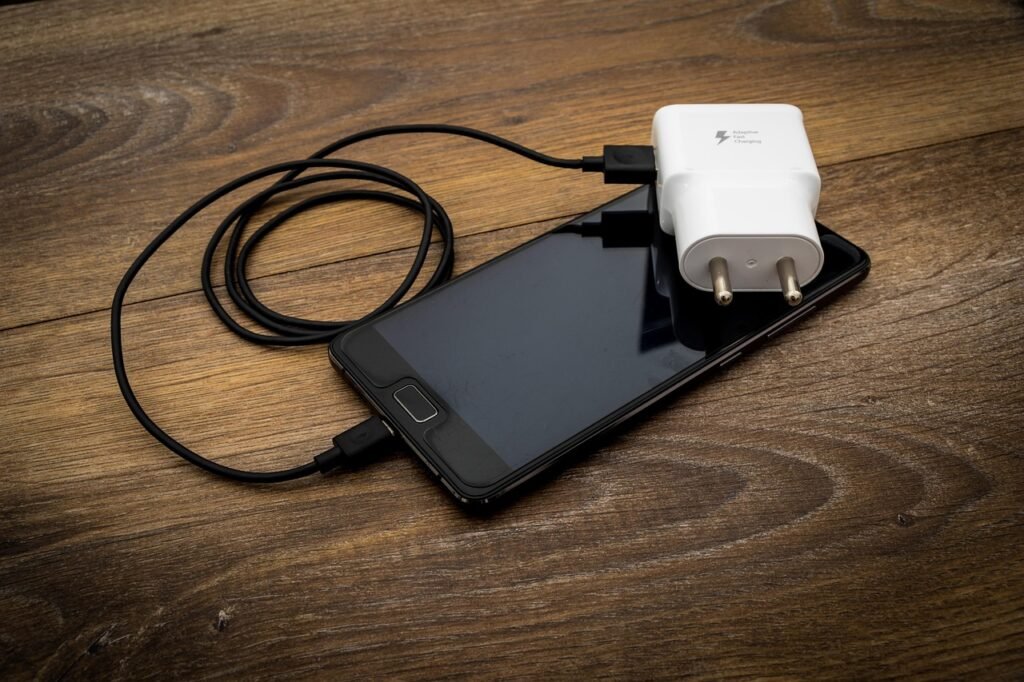
A phone that is warm while charging is normal. A phone that is too hot to hold, shuts down, or smells odd is not. The usual causes are heat from the room or sun, demanding apps, a damaged or mismatched charger or cable, and charging while using the phone heavily. Most can be fixed in minutes, but some signs mean you should stop using the phone.

Cooper is the Androidlounge editorial pen name. The causes and charging advice draw on Samsung’s support page on overheating (a Galaxy-specific page, linked at the end). The safety block draws on a TechRadar report on swollen batteries. Where a point is general guidance rather than from those pages, it says so. Nothing here comes from hands-on testing, and this is not a repair diagnosis.
Stop first if you see these warning signs
This is general safety guidance. Turn the phone off and stop charging it if the battery looks swollen, the case is bulging or splitting, there is a burning or chemical smell, the phone has been in contact with liquid, or the charging port looks damaged. TechRadar’s 2022 report on swollen batteries relays advice to stop using the device and take it to a service centre, and quotes a battery service warning that the gas inside is flammable and toxic and that you should never puncture the battery. Contact the manufacturer or an authorised repairer.
Also as general guidance: do not put a hot phone in a fridge or freezer, and do not charge it under a pillow or on bedding where heat cannot escape.
Common causes of heat while charging
Samsung’s support page lists these causes of a phone getting hot:
- Hot surroundings or direct sunlight
- Demanding apps such as games or GPS navigation
- A charger or cable that is not compatible with the phone
- Software updates or large data transfers
Charging adds its own heat, so stacking any of these on top of charging (for example gaming while plugged in on a sunny windowsill) makes things worse.
What to do, in order
- Unplug and let the phone cool. Close running apps and let it rest before charging again.
- Move it out of heat. Take it out of direct sun and away from heaters. As general guidance, if a thick case seems to trap heat, try charging without it.
- Check the cable and charger. Samsung advises using a Samsung-authorised charger and cable, because a damaged or incompatible cable can make the charging port hot. For other brands, use the maker’s own charger or a reputable certified one. Our sister site explains USB-C charging without guesswork, including cables, watts and safe fast charging.
- If you charge wirelessly, keep metal objects, magnets and cards out of the space between the phone and the charging pad, as Samsung advises. Wireless charging also tends to run warmer than a cable, which is general knowledge rather than from Samsung’s page.
- Avoid demanding apps while charging. Samsung lists games and navigation as heat sources, and video calls are similar. Light use is generally fine.
- Reduce background load. As general practice, lower brightness and switch off Wi-Fi, Bluetooth and location when you do not need them. Samsung also describes Power saving mode, which limits sync, caps processor speed and turns off 5G, so use it knowingly.
- Update apps and Android. Samsung advises checking regularly for app updates. If the heat started after a system update, see our Android 17 battery drain and slowdowns guide.
Is it the phone or the app?
If the phone is only hot when one app is running, that app is the likely cause. Check the battery screen as described in our guide to finding the app draining your battery. If the phone is also slow, this guide to phone slowdowns covers common causes.
When to get it checked
If the phone still gets very hot with a good cable, in a cool room, with nothing running, the battery or charging hardware may be at fault. Contact the manufacturer or an authorised repairer, and ask about warranty cover before anyone opens the phone.
FAQ
Is it normal for a phone to get warm while charging?
Yes, mild warmth is normal, especially with fast or wireless charging. It becomes a concern when it is uncomfortable to hold or the phone slows, dims or shuts down.
Does wireless charging make phones hotter?
It generally runs warmer than wired charging. Keep the phone centred on the pad and keep metal objects and cards away from the gap.
Can I use my phone while it charges?
Light use is fine. Gaming, navigation and video calls add heat, so avoid them while charging if the phone is already warm.
Should I stop using fast charging?
If your phone runs hot with it, try a standard charger for a few days and see whether the heat eases. Use a charger and cable from the manufacturer or a reputable brand.
Sources
- Samsung Support: How to prevent the overheating of your Galaxy device
- TechRadar: Your battery’s not fat, it’s just dangerously swollen (March 2022)
Last reviewed: November 7, 2026
